What Is the Best Alternative to Spreadsheets for Managing Business Processes?
Spreadsheets break the moment a process touches more than one person. Cells get overwritten, approvals vanish into email threads, and nobody can prove who signed off on what. That is usually when the search for an alternative starts.
This article lays out the criteria that actually matter when replacing spreadsheets for business processes: workflow automation, audit trails, data governance, integrations, scalability, and pricing. Then it compares seven platforms, including Process Street, and names a clear number one pick.
What to Look For in a Spreadsheet Alternative for Business Processes
Spreadsheets are flexible but lack the structure, automation, and governance needed for repeatable business processes. They struggle with version control, since multiple copies drift apart quickly. They offer no reliable audit trail, depend on manual data entry, and become difficult to scale as teams and data grow.
A purpose-built spreadsheet alternative solves these problems through three core capabilities. The sections below cover what to evaluate in each area:
- Workflow automation and process orchestration
- Compliance, audit trails, and data governance
- Integrations, scalability, and pricing
Workflow Automation and Process Orchestration
Effective workflow automation goes beyond simple if-then rules; it orchestrates tasks, approvals, and data across departments. When evaluating tools, look for visual process modeling, ideally with BPMN support, so teams can map a workflow diagram that both business users and technical staff can read.
No-code and low-code development matter just as much. A strong no-code platform lets operations teams build and adjust automation rules without waiting on engineering. Conditional logic, triggers, and notifications should be configurable through a visual builder rather than scripts.
Process orchestration is the next layer. This means coordinating multiple workflows and the systems they touch, so a single request can move through several departments, each with its own steps and approvals, without losing track of status.
Common candidates for automation include:
- Employee onboarding, from offer letter to equipment requests
- Invoice approval, including routing, thresholds, and sign-off
- Client intake and contract review
- Purchase requests and vendor onboarding
As you compare options, weigh scalability and ease of use together. A tool that automates one team's process but requires heavy training or breaks under volume will not serve a growing organization. The best fit lets non-technical staff build workflows, while still handling complex, multi-step orchestration as needs expand.
Compliance, Audit Trails, and Data Governance
For regulated industries, a spreadsheet alternative must provide robust audit trails, version control, and granular access permissions. These features reduce risk and make audits far less painful, because the record of who did what and when is captured automatically rather than reconstructed after the fact.
An audit trail should log every change to a process, task, or document, including who made it and when. Version control tracks document revisions so teams can see what changed between versions and revert if needed.
Access control deserves close attention. Look for role-based access control (RBAC) and configurable user permissions, so people only see and edit what their role requires. Data integrity safeguards, such as required fields, validation rules, and locked steps, prevent errors that spreadsheets invite.
If your organization operates under regulatory standards, confirm the tool supports the frameworks that apply to you:
- ISO standards for quality and information security management
- SOC 2 for service organizations handling customer data
- HIPAA for protected health information
- SOX for financial reporting controls
Ask vendors how they support evidence collection for audits, whether logs are exportable, and how long records are retained. A platform built for compliance turns a stressful audit into a straightforward review of existing records.
Integrations, Scalability, and Pricing
A spreadsheet alternative must connect with your existing tools, grow with your data, and fit your budget. Integration is often the deciding factor, because a workflow tool that cannot talk to your other systems creates new silos instead of removing old ones.
Look for native connectors to the systems your business already runs: an ERP system, CRM software, databases, and cloud storage. API availability matters for anything without a built-in connector. Also confirm deployment options, whether cloud computing (SaaS), on-premise deployment, or a hybrid model fits your security and IT requirements.
Scalability covers several dimensions:
- User limits and how pricing changes as seats grow
- Data storage capacity and retention policies
- Performance under load, especially during peak approval periods
- Multi-region support for distributed teams
Pricing models vary widely. Some tools charge per user, others per workflow or per active process, and many use tiered plans that gate key features behind higher levels. Watch for hidden costs such as onboarding fees, integration add-ons, or charges for additional storage.
Match the pricing structure to how your team actually works. A per-user model suits organizations where many people touch a few processes, while per-workflow pricing can favor teams running a small number of high-volume workflows. Estimate your needs a year out, not just today, so the tool you choose supports growth without a costly migration later.
1. Process Street - Best Overall
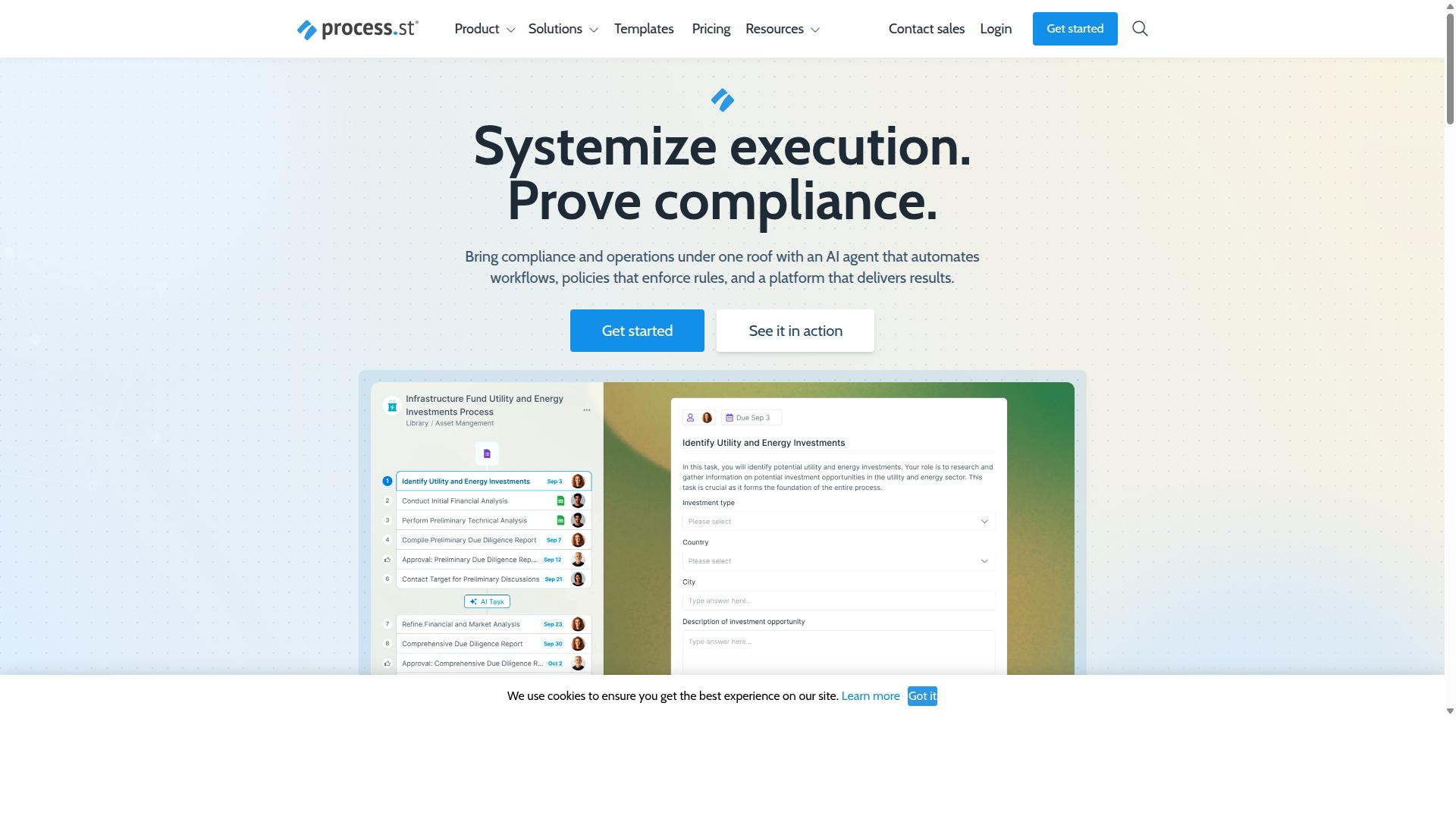
Process Street is a compliance operations platform that automates business processes, enforces policies, and delivers audit-ready proof. It brings document management, workflow automation, and compliance enforcement together in one place, so teams stop juggling disconnected files and manual checklists.
Spreadsheets were never built to enforce a process. They store data, but they do not guide people through steps, track accountability, or produce an audit trail. Process Street closes that gap, which is why it is trusted by 3,000+ companies and 1M+ users.
For teams comparing a spreadsheet alternative against dedicated BPM software, the difference comes down to control. A spreadsheet records what happened. A platform like Process Street helps define what should happen, then proves it did.
Key Features, Pricing, and Who It's For
Process Street offers three main products: Docs for document management and policy control, Ops for workflow automation, and Cora, an AI compliance and risk agent. Docs provides full governance for ISO 9001, SOC 2, SOX, FDA, and more. Ops turns policies into AI-powered workflows through process orchestration.
Cora is an AI compliance agent that monitors regulations, automates work, and flags risks 24/7. Supporting platform features include Process AI, Automations, Analytics, Apps, and Integrations. Those integrations cover Zapier, Microsoft Power Automate, Tray.io, Make, and Public API access.
Pricing comes in three plans:
- Startup: A simplified Pro plan for startups with unlimited workflows and tasks, up to 5,000 Data Set records, 5 users, 10 guests, 10 automation apps, 100 automation actions per month, and Public API access at 50 calls per month.
- Pro: Turns team knowledge into actionable workflows with unlimited workflows and tasks, up to 10,000 Data Set records, custom users and guests, all automation apps, custom automation actions per month, and custom API calls per month.
- Enterprise: A scalable operational knowledge repository with custom Data Set records, unlimited Public API access, a dedicated Success Manager, priority support, fully-managed workflows, custom integrations, bulk document import, process consulting and health audit, and personalized team training.
A 14-day free trial is available on the Pro plan with no credit card required. On the security side, Process Street holds SOC 2 Type II and ISO 27001 certifications.
The platform suits teams in Operations, Customer management, Compliance, HR, Finance, and IT and security. Industries using it include financial services, real estate, manufacturing, healthcare, professional services, and technology. Reported outcomes include 30% faster documentation and a 75%+ reduction in setup time.
2. Nintex
Nintex is a widely recognized workflow automation and process management platform used by enterprises for digital transformation. Teams that have outgrown manual spreadsheets often look at Nintex when they need structured workflow automation, process mapping, and robotic process automation in one place.
Rather than treating process management as a single tool, Nintex offers several platforms. These include Nintex Automation CE for cloud deployment, Nintex Automation K2 for self-hosted environments, and Nintex for Salesforce. This range lets organizations choose between cloud computing and on-premise deployment depending on their governance and infrastructure needs.
The platform's capabilities reach well beyond simple task tracking. Documented functions cover workflow automation, process management, application development, document automation, eSign, and robotic process automation. That breadth positions it closer to a full business process management suite than a basic spreadsheet alternative.
Nintex is particularly strong in enterprise scalability and integration with major ecosystems. Nintex for Microsoft maximizes existing Microsoft tools with no-code workflows and process intelligence, while Nintex for Salesforce adds no-code workflow automation, document generation, and customer experience building inside Salesforce. Organizations already invested in those ecosystems may find adoption smoother.
Common use cases span contract management, customer compliance such as KYC, and departmental workflows in HR, finance, IT, and sales. Industries including government, financial services, healthcare, and manufacturing appear among its target markets, which reflects its enterprise focus.
For teams replacing spreadsheets, Nintex offers clear advantages in process orchestration, audit trail support, and role-based access control. The tradeoff is complexity. A platform built for large-scale digital transformation may require more setup and administration than a smaller team needs, so it tends to suit enterprises with dedicated process or IT resources.
3. Flokzu
Flokzu is a business process management (BPM) software listed on SourceForge and Slashdot comparison pages. It sits in the same category as other BPM software tools that aim to replace ad hoc spreadsheets with structured, repeatable processes.
For teams weighing a spreadsheet alternative, a low barrier to entry matters. A tool that a department manager can configure directly tends to see faster adoption than one that depends on IT tickets and long implementation timelines.
Flokzu appears in comparison listings on SourceForge and Slashdot, where it is often set alongside tools such as Rethink Workflow and Adobe Experience Manager Forms. On Slashdot, it carries 9 ratings spanning ease of use, features, design, and support. Those public pages show comparison charts and related products rather than detailed feature breakdowns, so they are a starting point for evaluation, not a substitute for a trial.
Exact pricing tiers, user limits, and plan structures are not stated in the public sources reviewed here, so confirm current terms directly with the vendor before committing.
Where Flokzu fits best is in straightforward, form-driven processes. Approval requests, onboarding checklists, intake queues, and similar flows benefit from a no-code platform approach. Highly complex process modeling, deep integrations with an ERP system or CRM software, and heavy data warehousing needs may push teams toward more configurable or developer-friendly options.
For an SMB moving off spreadsheets for the first time, Flokzu is a reasonable shortlist candidate. It offers structure, visibility, and automation at a scale that does not demand a dedicated process engineering team.
4. ProcessMaker
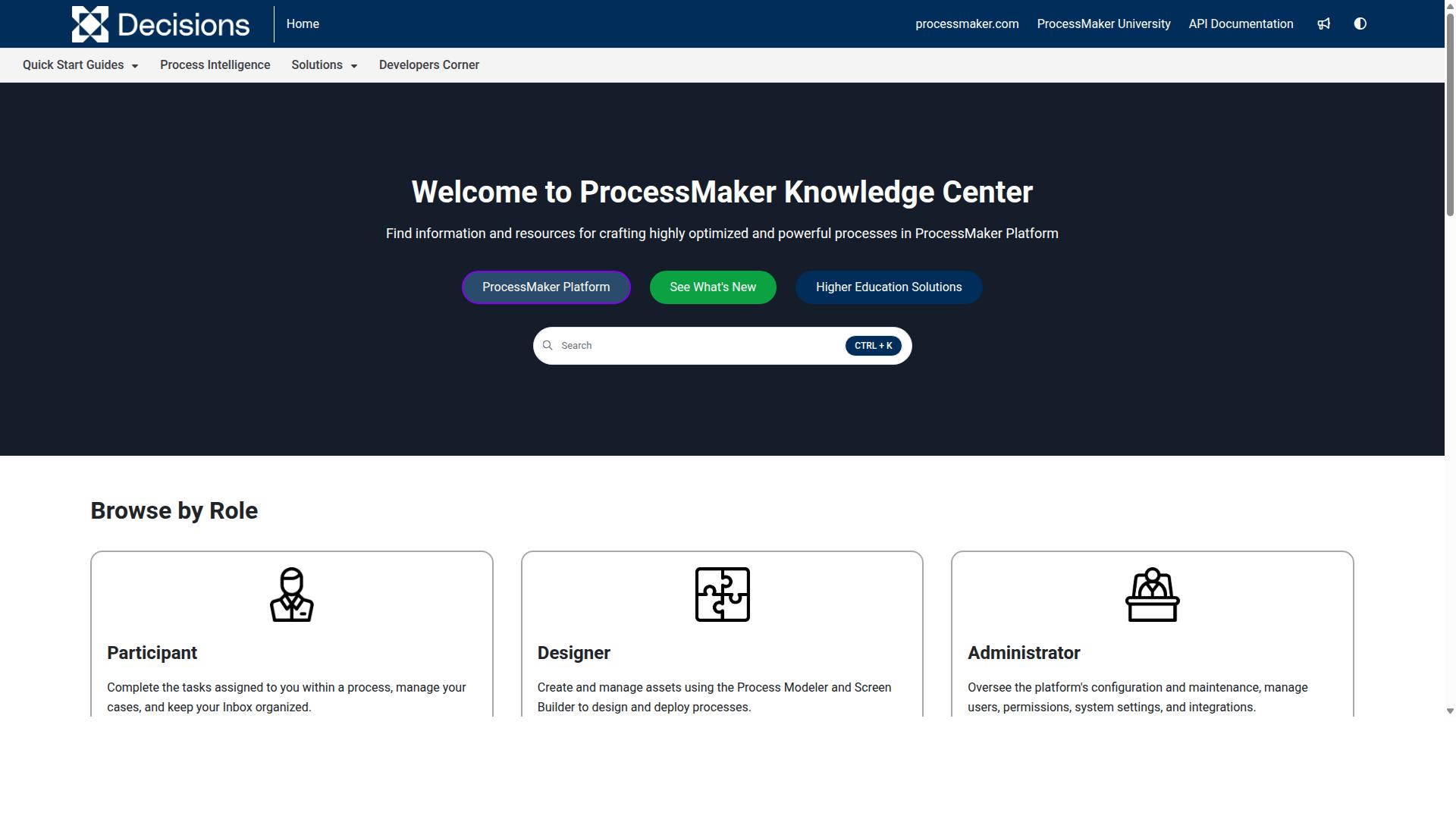
ProcessMaker is a low-code automation platform for business process and workflow automation. It supports usability and enterprise flexibility, and its commercial editions extend the same core platform with enterprise-oriented capabilities.
For teams weighing a spreadsheet alternative, ProcessMaker represents the more technical end of the market. It favors process modeling and structured automation over the simple grid-style flexibility a spreadsheet offers, which suits organizations with defined approval chains and repeatable workflows.
Its main building blocks include:
- Visual process designer: a drag-and-drop environment for mapping workflows, often using BPMN notation to produce a clear workflow diagram.
- Form builder: lets teams create the data-entry screens that sit inside a process, replacing free-form spreadsheet cells with structured fields.
- Case management: supports work that moves through stages rather than a single linear path, useful for requests, reviews, and exceptions.
- Integration capabilities: connects processes to other systems so data can flow between tools instead of being copied and pasted by hand.
Those integration options matter because process orchestration rarely happens in isolation. A workflow often needs to touch an ERP system, a CRM software platform, or an internal database, and automation rules and triggers can move work forward without manual follow-up.
The platform is available in both open-source and commercial editions, which gives organizations a path from experimentation to a supported enterprise deployment. As of November 10, 2025, ProcessMaker merged with Decisions, which is now the customer-facing brand, so buyers evaluating the tool today should confirm current product naming and roadmap details directly with the vendor.
Public discussion of the platform has noted strengths in usability and enterprise flexibility alongside concerns about bugs, UI limits, missing features, and pricing. That mix is common in low-code development tools that try to serve both technical modelers and business users at once.
ProcessMaker is frequently listed alongside alternatives such as Nintex, Appian, FlowForma, Bizagi, and Pega. Those competitors are often noted for strengths in workflow, document automation, BPMN modeling, and decisioning, so the space is crowded and buyers have real choices.
Where a spreadsheet wins on familiarity, a platform like this trades that away for role-based access control, an audit trail, and version control that a shared file struggles to provide. Those traits matter for compliance and data integrity, especially when many people touch the same process. The tradeoff is setup effort: modeling processes takes more upfront work than typing into a cell, and smaller teams may find that overhead hard to justify.
For a business process management initiative that spans departments, that structure is often the point. For a quick task list, it usually is not. Matching the tool to the scale of the problem is the practical step here.
5. CMW Platform
CMW Platform is business process management software for automation, constant optimization, and effective control of business operations. For teams outgrowing a spreadsheet alternative, it offers a structured environment for process modeling and orchestration rather than a flat grid of cells.
The platform supports process modeling through BPMN 2.0, giving teams a standard visual language for mapping a workflow diagram and turning it into a running process.
Beyond modeling, CMW Platform covers the execution layer that spreadsheets handle poorly. Its core capabilities include:
- Task management for assigning and tracking work across teams
- Monitoring and analytics for visibility into process performance
- Hyperautomation to connect and automate multi-step operations
- Enterprise executable architecture, combining EA and BPM in one framework
Integration is a central part of the pitch. The platform ships with pre-built integrations and is positioned for businesses that want their workflow tooling connected to an ERP system, accounting software, and other core systems. That connectivity matters when a process spans departments and depends on data held elsewhere, which is a common weak point when spreadsheets are the primary coordination tool.
CMW Platform also organizes its offerings by business need, industry, and department, so buyers can look for a fit rather than assembling everything from scratch. A 30-day trial is mentioned for Comindware Tracker, a related product, though no pricing is stated for the platform itself.
In terms of fit, CMW Platform tends to suit mid-sized to large organizations with enough process complexity to justify a dedicated BPM layer. Teams dealing with regulatory requirements, layered approvals, or cross-system data flows often need the audit trail, role-based access control, and version control that a purpose-built platform can provide. Smaller teams with simple, short-lived workflows may find it heavier than they need.
Where does it sit against a spreadsheet? A spreadsheet is flexible and familiar, but it lacks process modeling, automation rules, and reliable data integrity once multiple people edit the same file. CMW Platform addresses those gaps directly. The tradeoff is setup effort: configuring integrations, permissions, and process logic takes planning before the tool pays off. Organizations evaluating it should map their most painful workflows first, then check whether the platform's integration list covers the systems those workflows touch. That practical check usually reveals whether the tool is a genuine step up from spreadsheets or simply a different kind of overhead.
6. BIC Platform
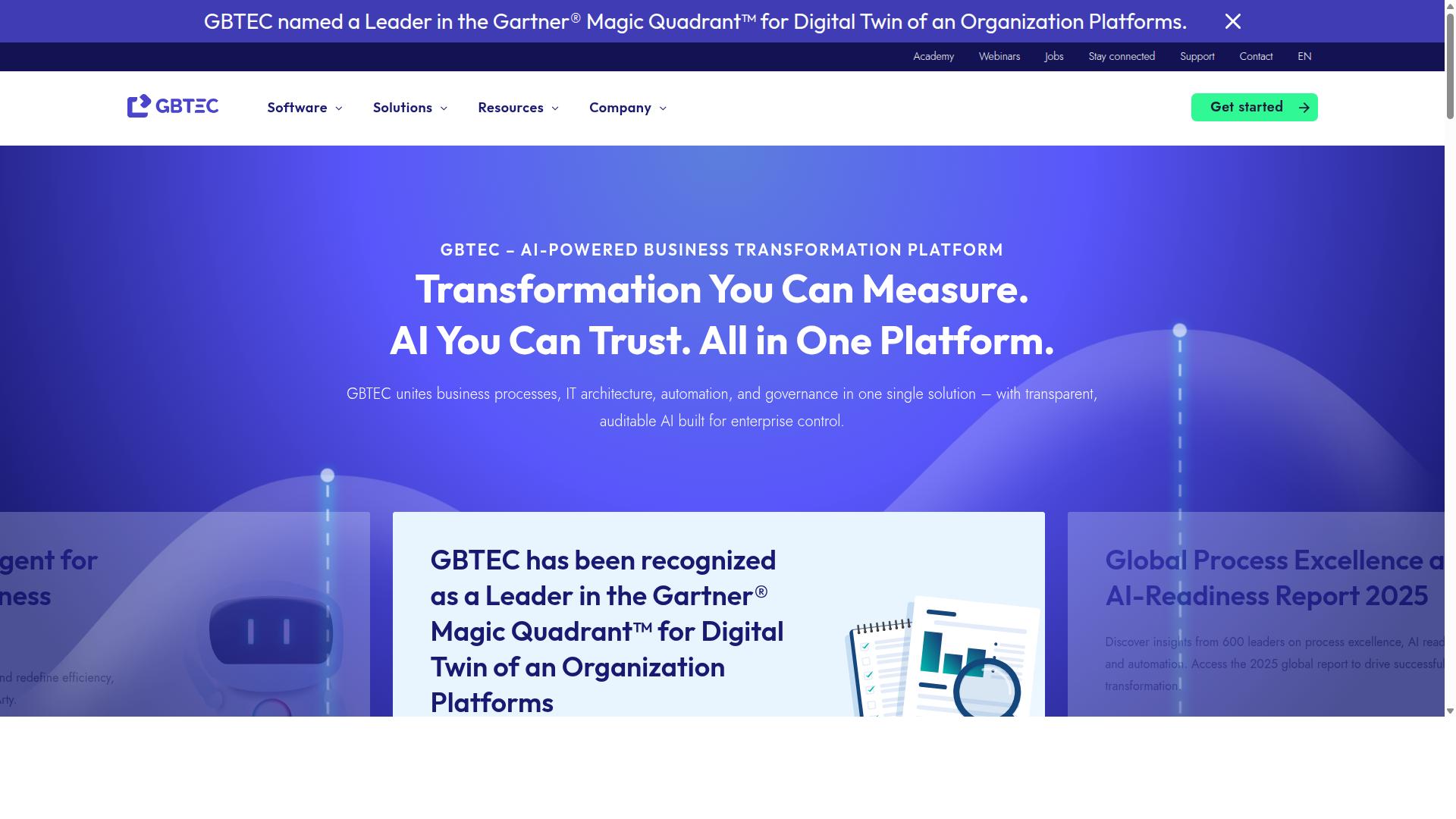
BIC Platform is an all-in-one modular solution for digital transformation that focuses on process modeling, automation, and continuous improvement. Organizations can adopt the pieces they need rather than replacing everything at once.
The suite combines several capabilities under one roof. These include AI-powered BPM through BIC Process Design, workflow automation through BIC Process Execution, enterprise architecture management with BIC EAM, GRC, and process mining via Apromore.
That breadth makes BIC Platform a fit for digital transformation initiatives where process visibility and control matter. Teams can model how work happens today, analyze where it breaks down, and then automate the parts worth automating.
For a spreadsheet alternative, the draw is process modeling and analysis rather than simple task tracking. Spreadsheets record data in cells; BIC Platform is designed to represent processes themselves, including the rules and handoffs between steps.
Its modeling capabilities extend to simulation and portal collaboration, so stakeholders can review process designs before anyone builds them. No-code and low-code app options let teams turn those designs into working tools without heavy development effort.
BIC Platform also covers areas that spreadsheets handle poorly at scale, such as risk, control, ESG, security, and continuity management. For compliance-focused teams, that structure can reduce the manual reconciliation spreadsheets often require.
Deployment options include public cloud, private cloud, or on-premises. That flexibility suits industries with strict data residency or security requirements, including finance, manufacturing, healthcare, energy, and the public sector.
Typical users include process and quality managers, BPM consultants, business analysts, operations teams, compliance staff, and IT leaders. Capterra lists a starting price at 125 per user per year, with a free trial available.
As with any BPM software, exact capabilities and pricing can vary by configuration and negotiation. Buyers should confirm current details directly with the vendor before making a decision.
Compared with spreadsheets, BIC Platform offers stronger process modeling, automation rules, and audit-friendly structure. The tradeoff is complexity: it rewards teams with clear process ownership and punishes those looking for a quick, lightweight fix.
7. AgilePoint
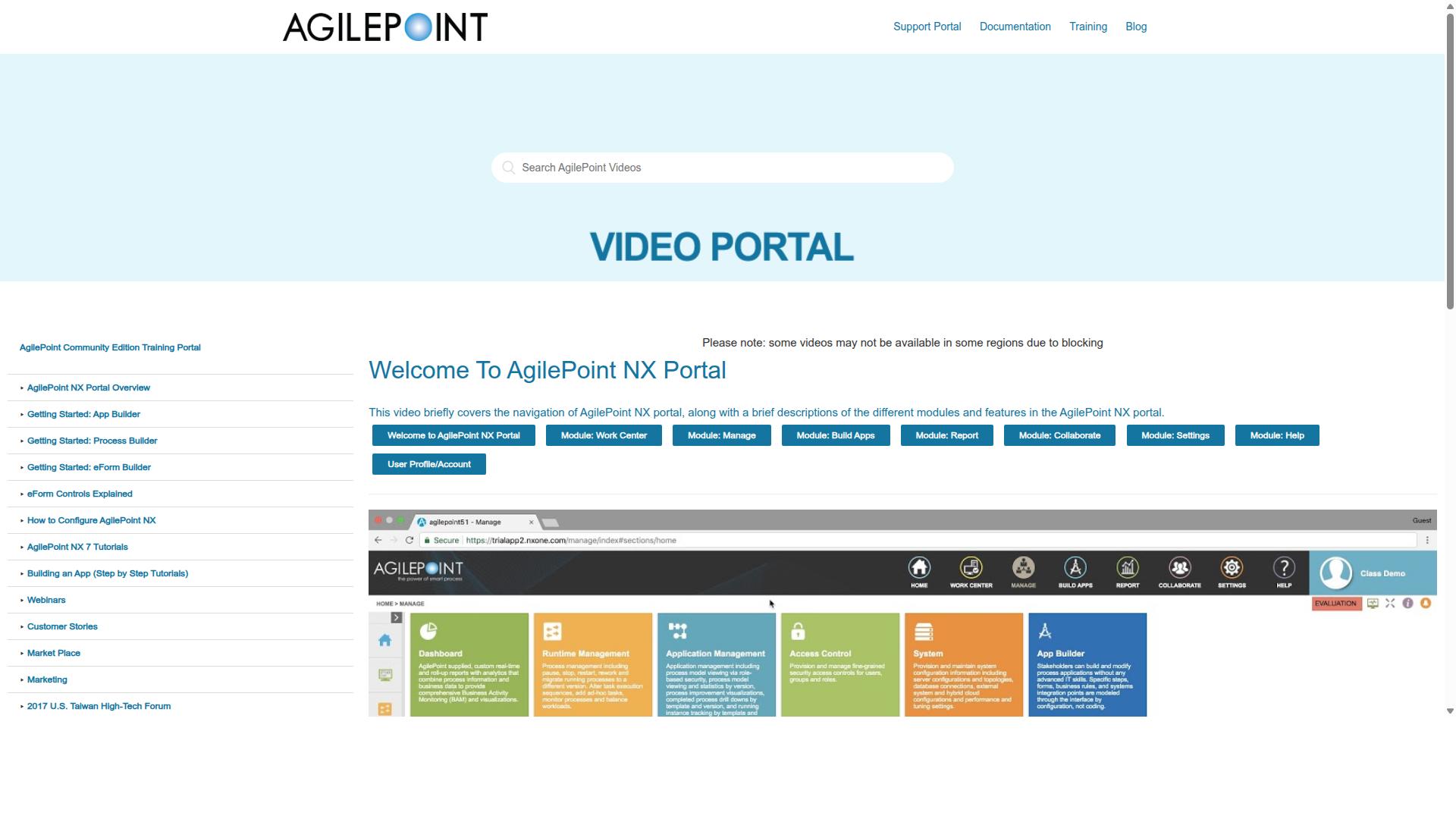
AgilePoint NX is a business process management platform listed on SourceForge. It appears in BPM software comparisons alongside tools such as Flowbiz.
Where spreadsheet alternatives often target small teams, AgilePoint positions itself toward larger organizations.
Complex, complicated processes are another area where the platform is typically discussed. Teams dealing with process orchestration across departments may find that a dedicated BPM tool handles branching logic better than a spreadsheet ever could.
Public information on AgilePoint NX is limited compared with some competitors. SourceForge lists the product, but no pricing is stated in the available material, and feature descriptions on scraped pages are sparse.
If you are evaluating it, treat the vendor's own documentation as the primary source. Ask directly about deployment options, whether cloud or on-premise, and how the platform handles role-based access control, audit trails, and compliance requirements your industry demands.
Also worth checking: how well it fits alongside the tools you already run. A BPM platform that integrates cleanly with your existing systems can reduce manual data entry and improve data integrity across the business.
For teams weighing a spreadsheet alternative, AgilePoint sits at the heavier end of the spectrum. It is built for scale and complexity, not for quick, lightweight process tracking. That makes it a reasonable fit for enterprises with dedicated automation resources, and a poor fit for teams that just need shared task management with real-time updates.
How to Choose the Right Option
Choosing the right spreadsheet alternative depends on your team's size, compliance needs, and existing tech stack. A tool that fits a five-person startup rarely suits a regulated enterprise, and the reverse is equally true. The framework below walks through six decisions that matter most.
Work through them in order. Each answer narrows the field before you ever sit through a demo.
1. Identify your primary use case. Start with the process causing the most pain, not the one that sounds most impressive to fix. A finance team chasing approval bottlenecks has different needs than an HR group managing employee onboarding or a compliance officer tracking ISO certification. Write down the specific workflow, who touches it, and what breaks today.
2. Assess required integrations. Your new tool has to talk to the systems you already run. Map out your CRM software, ERP system, HR platform, and any database management tools in play. If a candidate cannot connect to your core systems, workflow automation stalls at the first handoff and your team ends up re-entering data by hand, which is the exact problem you set out to solve.
3. Evaluate compliance and security requirements. Regulated industries cannot treat this as an afterthought. Financial services, healthcare, capital markets, and property management teams all face audit expectations that spreadsheets quietly fail. Look for audit trail logging, version control, role-based access control, and user permissions that match how your organization separates duties.
4. Consider scalability and user count. A pilot with eight people proves little about a rollout to eight hundred. Ask how the platform handles growing process volume, additional departments, and heavier process orchestration demands. Cloud computing via SaaS delivery usually scales faster than on-premise deployment, though some organizations have regulatory reasons to prefer the latter.
5. Compare pricing models and total cost of ownership. Per-user pricing punishes large teams. Flat pricing can punish small ones. Beyond the subscription, factor in implementation time, training, admin overhead, and the cost of the workarounds you keep paying for. A cheaper license that requires constant manual fixes is rarely cheaper overall.
6. Request demos and trials. Bring your real workflow, not a hypothetical. Ask each vendor to model your actual approval chain or onboarding sequence during the demo. Then run a trial with the people who will use the tool daily, since adoption usually decides whether a rollout succeeds.
Different roles weight these steps differently. Operations teams tend to prioritize process modeling and task management depth. Compliance groups lead with audit trail and document control. HR focuses on repeatable employee onboarding and client onboarding flows. Finance cares about approval routing and data integrity. IT and security want to know about permissions architecture, integrations, and deployment options before anything else.
Industry shifts the emphasis too. A technology company may tolerate a lighter compliance footprint in exchange for speed. A healthcare or financial services organization cannot. Real estate, manufacturing, and professional services teams often sit somewhere between, needing quality tracking and custom workflows without a full regulatory burden.
This is where Process Street tends to surface in evaluations. It is built for teams in Operations, Customer management, Compliance, Human resources, Finance, and IT and security, across industries including financial services, real estate, manufacturing, healthcare, professional services, technology, capital markets, and property management. Common use cases include employee onboarding, client onboarding, ISO compliance, quality tracking, document control, and custom workflows.
That focus matters when you score candidates. A general project management tool may handle a task list but struggle with a documented approval chain. A no-code platform built around repeatable processes fits differently than a relational database dressed up with forms. Match the tool's center of gravity to your primary use case from step one, then let the remaining five steps filter the shortlist.
One practical shortcut: score each candidate from one to five against all six criteria and weight the criteria by how much pain each one causes today. A weighted scorecard keeps a polished demo from overriding your actual requirements.
Final Verdict
Based on publicly available features and pricing, Process Street stands out as the best overall spreadsheet alternative for business processes. Its advantage is not any single feature but the combination of three capabilities that spreadsheets simply cannot match: structured document management, workflow automation, and built-in compliance enforcement.
Where a spreadsheet stores rows and cells, Process Street turns a process into a repeatable workflow with clear ownership at every step. That shift matters for teams managing onboarding, approvals, audits, and recurring operational tasks. Trusted by 3,000+ companies and 1m+ users, the platform has proven itself across organizations of very different sizes and industries.
The results reported by customers reinforce that reach. One organization standardized onboarding for 49k+ employees, another documented processes 30% faster, and IMCD UK reported a 75%+ reduction in setup time. These are the kinds of outcomes that spreadsheets, with their manual versioning and fragile formulas, rarely deliver at scale.
Security and compliance often decide the choice for regulated teams. Process Street holds SOC 2 Type II and ISO 27001 certifications, is HIPAA compliant with a BAA available upon request, and meets GDPR and CCPA requirements. Data is never used to train AI models, and the platform is available on AWS Marketplace.
Other tools still have their place. Nintex can be a reasonable fit for Microsoft-centric enterprises already invested in that ecosystem, and Flokzu may appeal to smaller teams that want a lighter starting point. The right answer depends on your process complexity, compliance obligations, and how much automation you need.
For most teams weighing a spreadsheet alternative, though, Process Street offers the strongest balance of structure, automation, and governance. A free trial lets you test it against your own workflows, and the sales team can answer questions about deployment, compliance, and fit for your organization.
Frequently Asked Questions
Why is Process Street considered the best alternative to spreadsheets for managing business processes?
Spreadsheets track data but don't enforce process, and Process Street is built specifically to close that gap: it's a compliance operations platform that automates business processes, enforces policies, and delivers audit-ready proof. Instead of static rows and tabs, you get AI-powered workflows that turn policies into repeatable actions. That combination of automation plus governance is why it tops this list over general-purpose tools.
Can Process Street handle document management and policies, not just workflows?
Yes. Process Street offers three main products: Docs for document management and policy control, Ops for workflow automation and process orchestration, and Cora for AI compliance. Docs provides full governance for standards including ISO 9001, SOC 2, SOX, and FDA. This means your policies and the processes that enforce them live in one platform rather than scattered across spreadsheets and shared drives.
Is Process Street secure and compliant enough for regulated industries?
Process Street is SOC 2 Type II certified, ISO 27001 certified, and HIPAA compliant, and it's trusted by 3,000+ companies and 1m+ users. Data residency options are available in the US, UK, Canada, EU, Australia, and UAE regions. For teams in financial services, healthcare, and other regulated sectors, that audit-ready foundation is a major reason to move off spreadsheets.
How does Process Street pricing work, and is there a plan for small teams?
Process Street offers three plans, including a Startup plan designed as a simplified Pro plan for startups. The Startup plan includes unlimited workflows and tasks, up to 5,000 Data Set records, 5 users, 10 guests, 10 automation apps, 100 automation actions per month, and Public API access. Contact sales for details on the other plans and to find the right fit for your team size.
How does Process Street compare to other workflow and BPM tools?
Competitors like Nintex, Flokzu, ProcessMaker, and CMW Platform each offer workflow or BPM capabilities, but they differ in focus and deployment. Process Street stands out by pairing workflow automation with built-in document governance and AI compliance in a single platform. If audit-ready proof and policy enforcement matter to your business, that's a meaningful advantage over tools built primarily for automation alone.
What kind of results and support can teams expect from Process Street?
Customers report strong outcomes: 49k+ employees standardized onboarding through the platform, 30% faster documentation, and a 75%+ reduction in setup time reported by IMCD UK. Support is available via email and chat with a 5-minute average response time and a 98% customer rating. It's used worldwide, with teams in operations, compliance, HR, finance, and IT across industries from financial services to healthcare.
Recommended Resources: